Every month
See your scheduled and published posts
What's coming up, what's already live, and how to change a scheduled post.
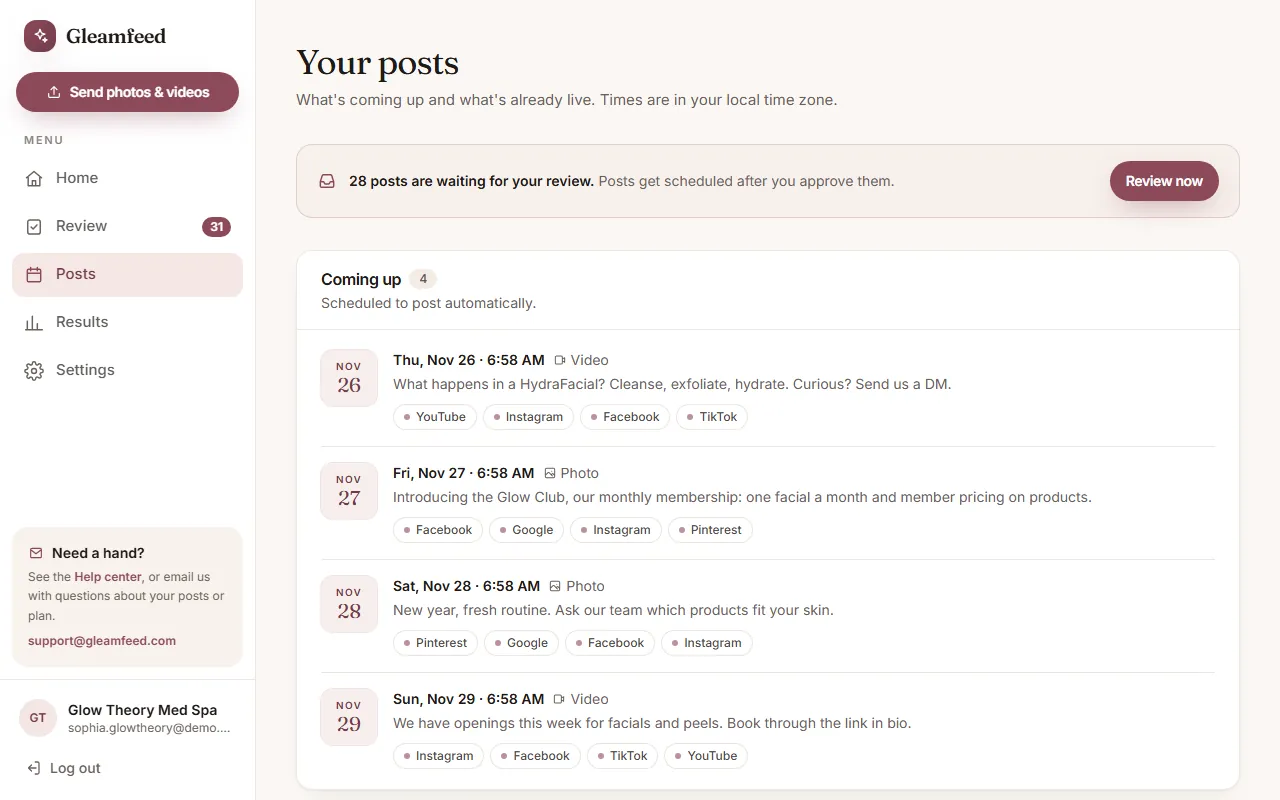
Open Posts to see your content. Times are shown in your local time zone.
- Coming up: approved posts scheduled to go out automatically, with the date, time and platforms.
- Published: posts that are live. Click View on a platform to open the post.
Your Home page also shows your next few posts under Coming up.
Need to change or pause a scheduled post?
Email us at support@gleamfeed.com as soon as you can and we'll take care of it.
Still have a question?
Email us and a real person will help.