Help center
How to set up Gleamfeed, send your photos, approve your posts and read your results. Nothing goes live until you approve it.
Getting started
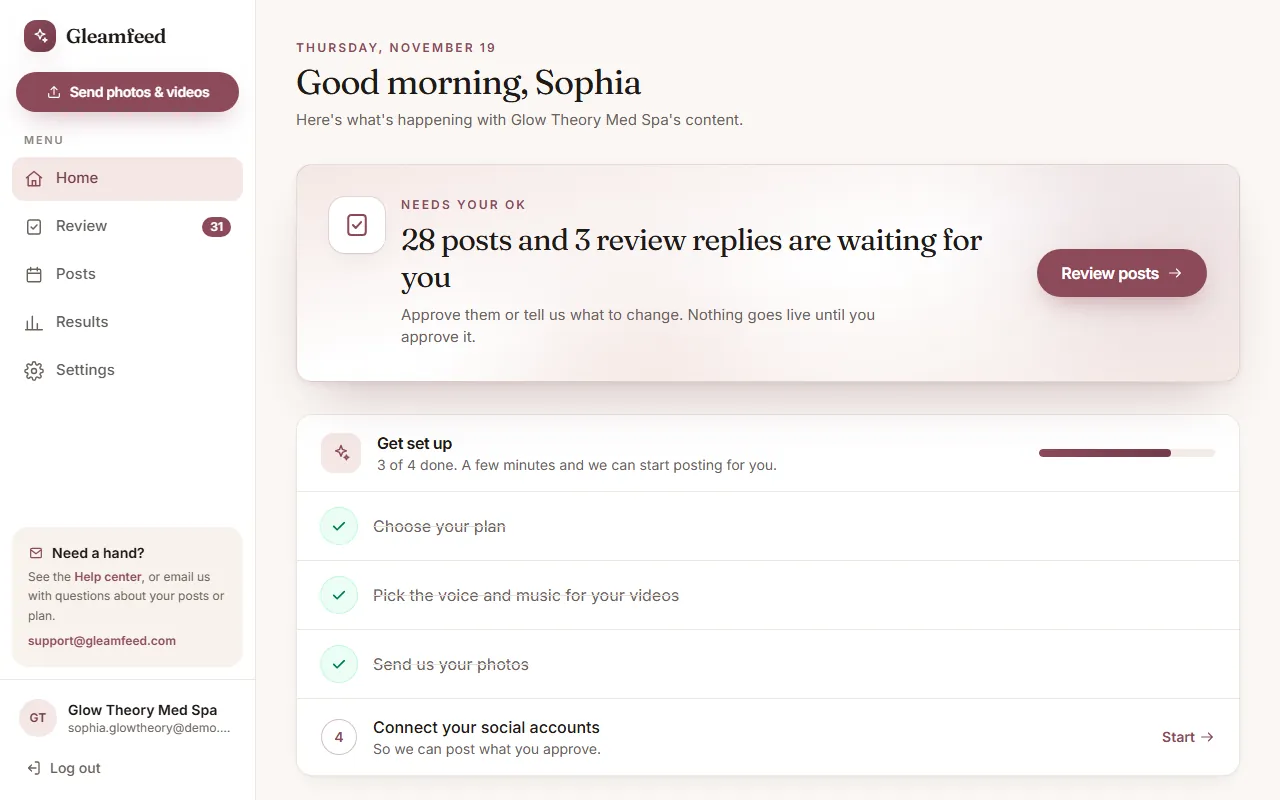 How Gleamfeed worksThe whole process in four steps, and how much of your time it takes.
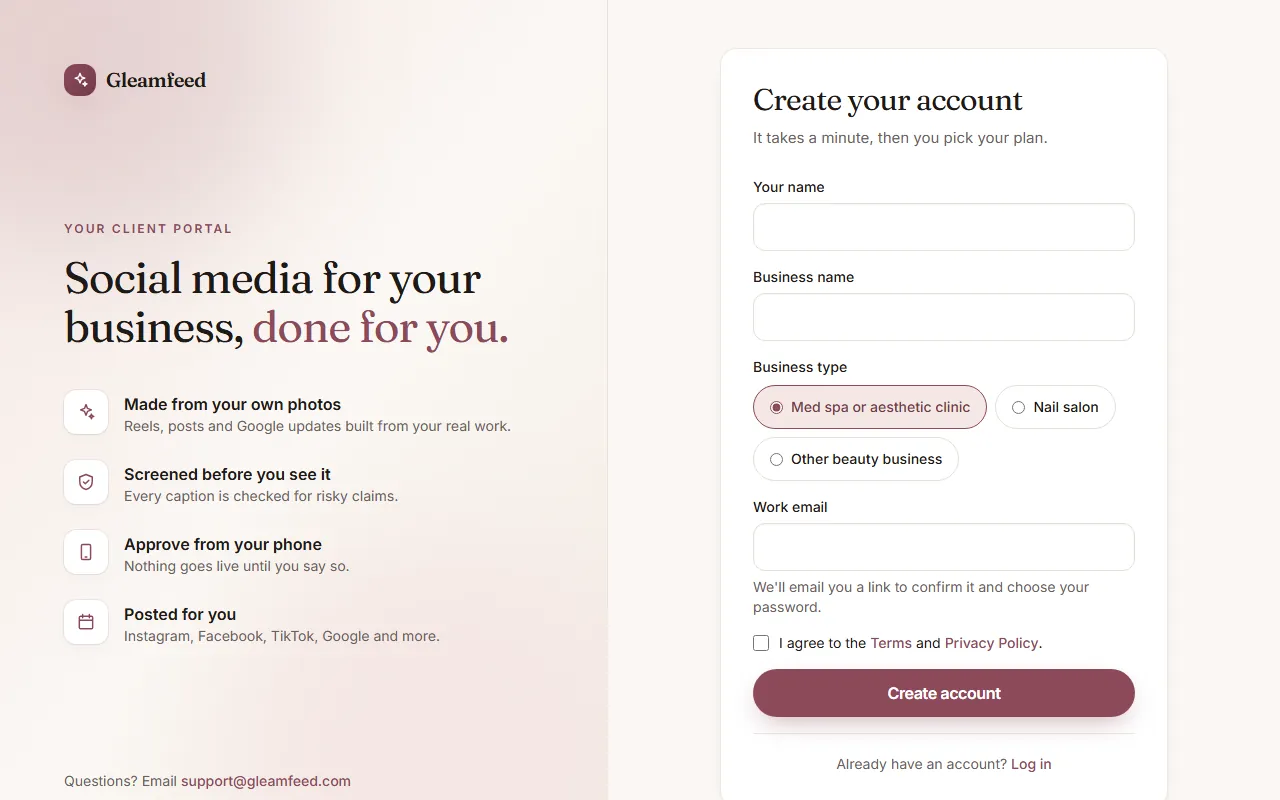 Create your account and sign inSign up, confirm your email, choose a password, and sign in with a password or an email link.
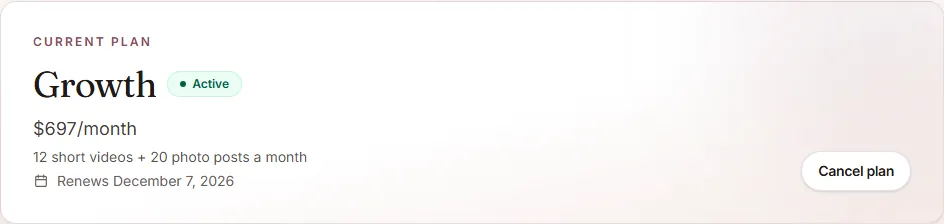 Plans, billing and cancellingChoose a plan, try us first, pay with PayPal, and cancel any time.
Set up
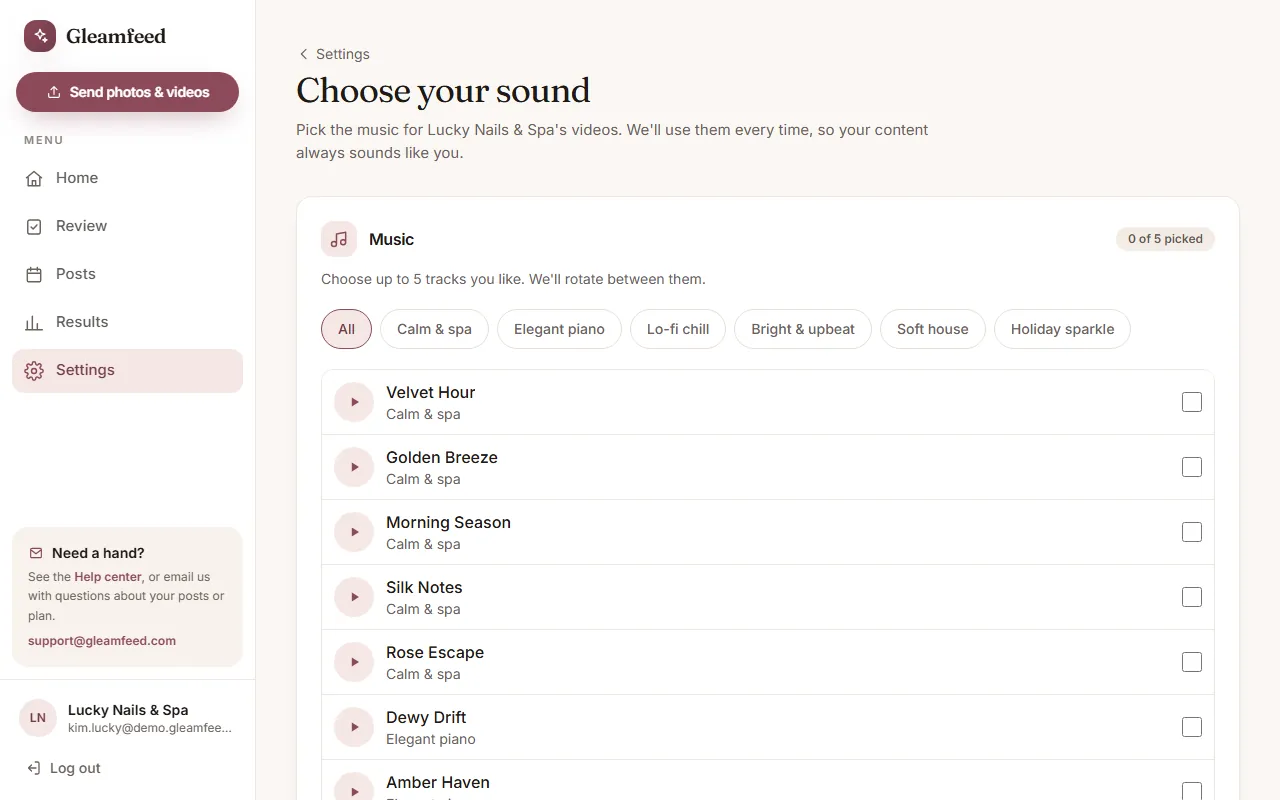 Choose your music, voice, video length and lookPick the sound for every video once, set how long your videos are, and choose your brand color.
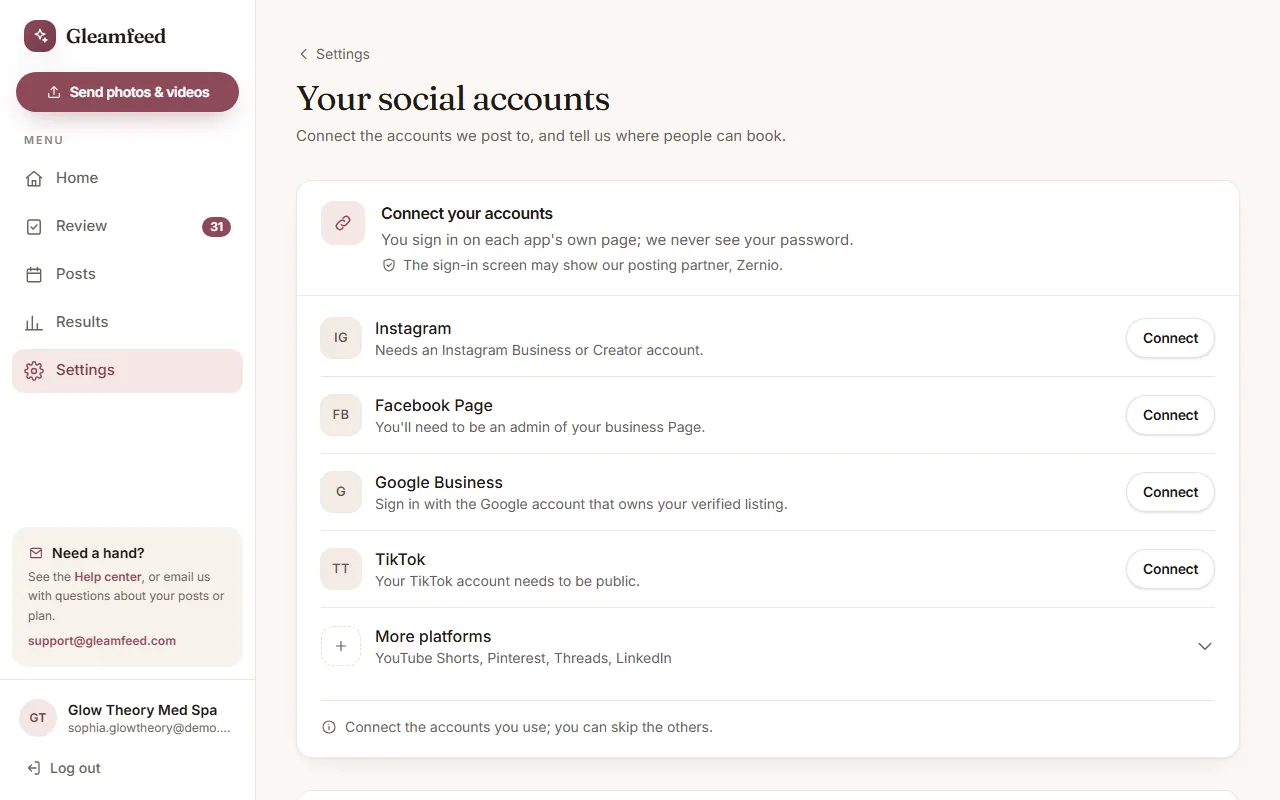 Connect your social accountsLink Instagram, Facebook, Google, TikTok and more so we can post your approved content.
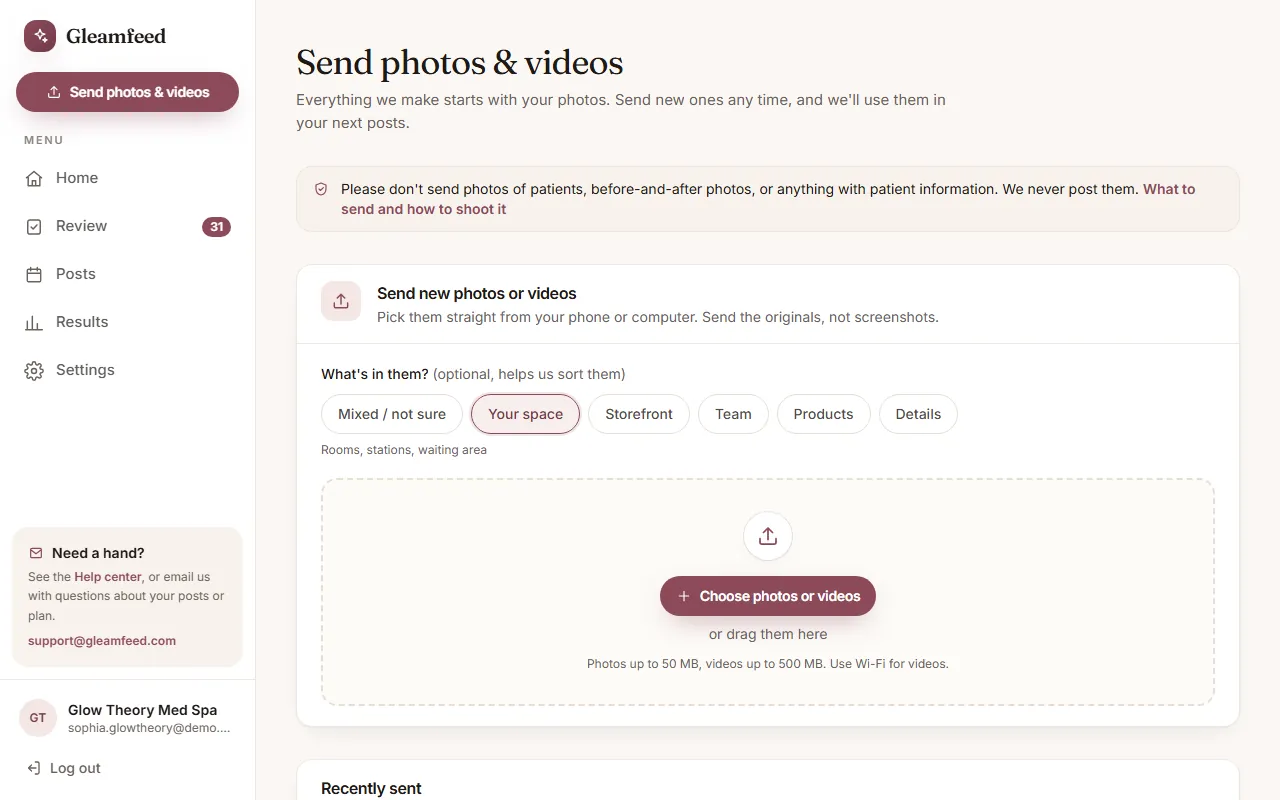 Send us your photos and videosHow to send photos and videos from your phone, what to send, and how to take good photos.
Every month
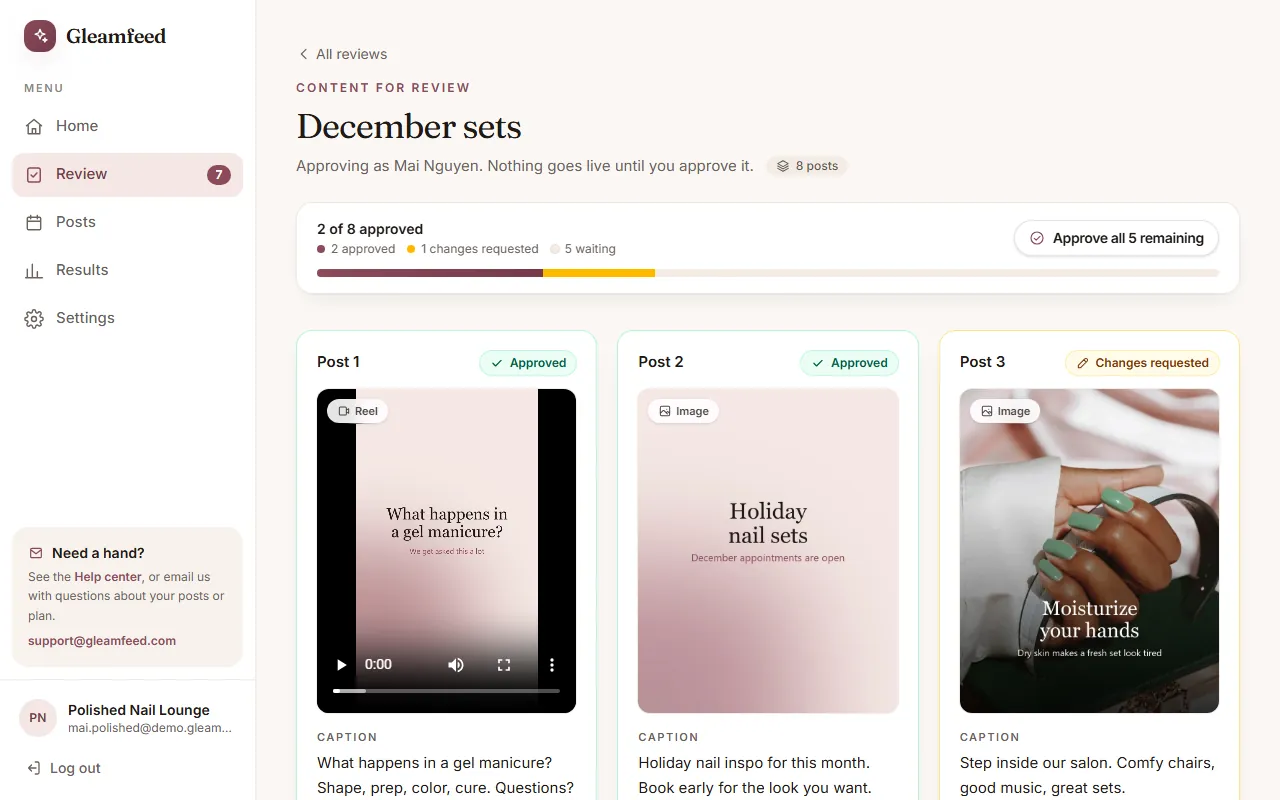 Review and approve your postsApprove posts, ask for changes, and what happens after you approve.
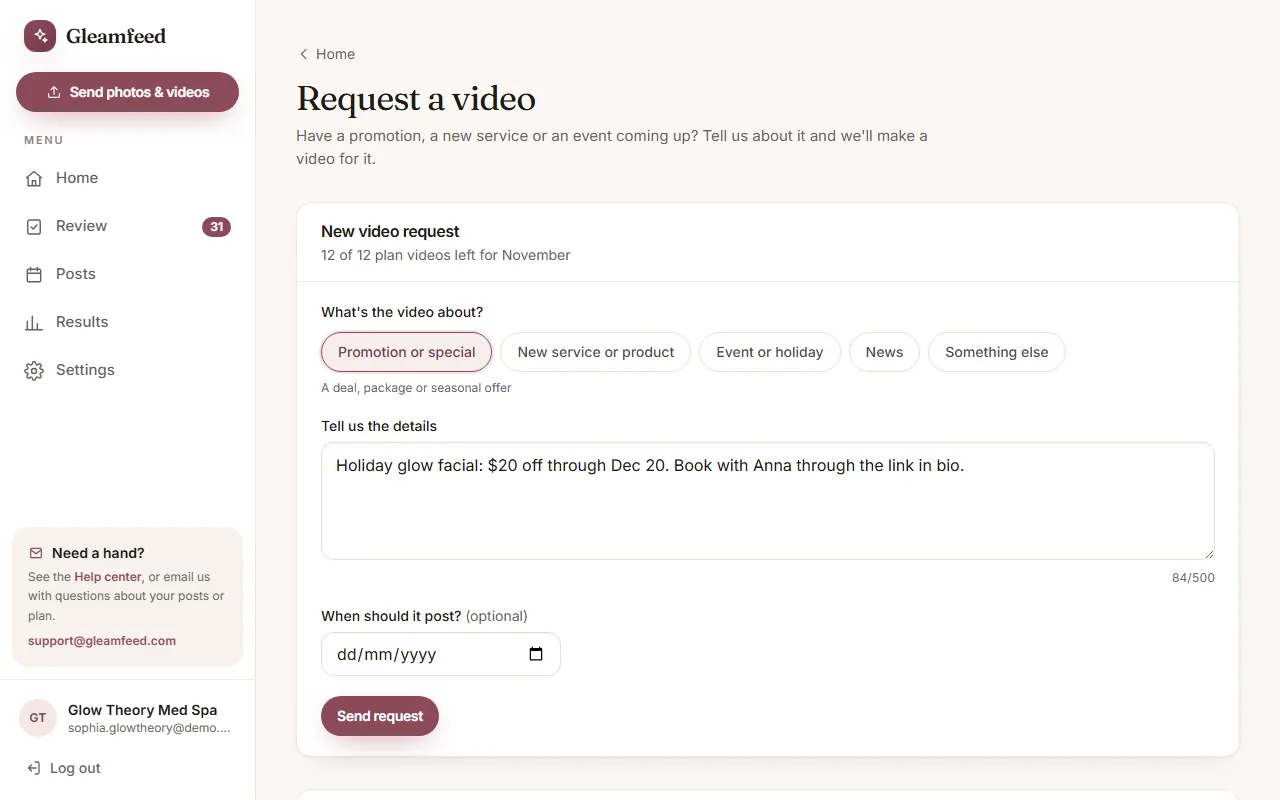 Request a video for something specialAsk us for a video about a promotion, a new service or an event, and see what it counts toward.
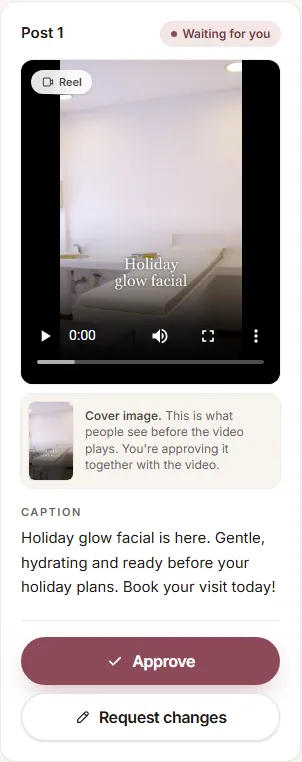 Video cover images (thumbnails)What your video covers are, where they show up, and how to get a different one.
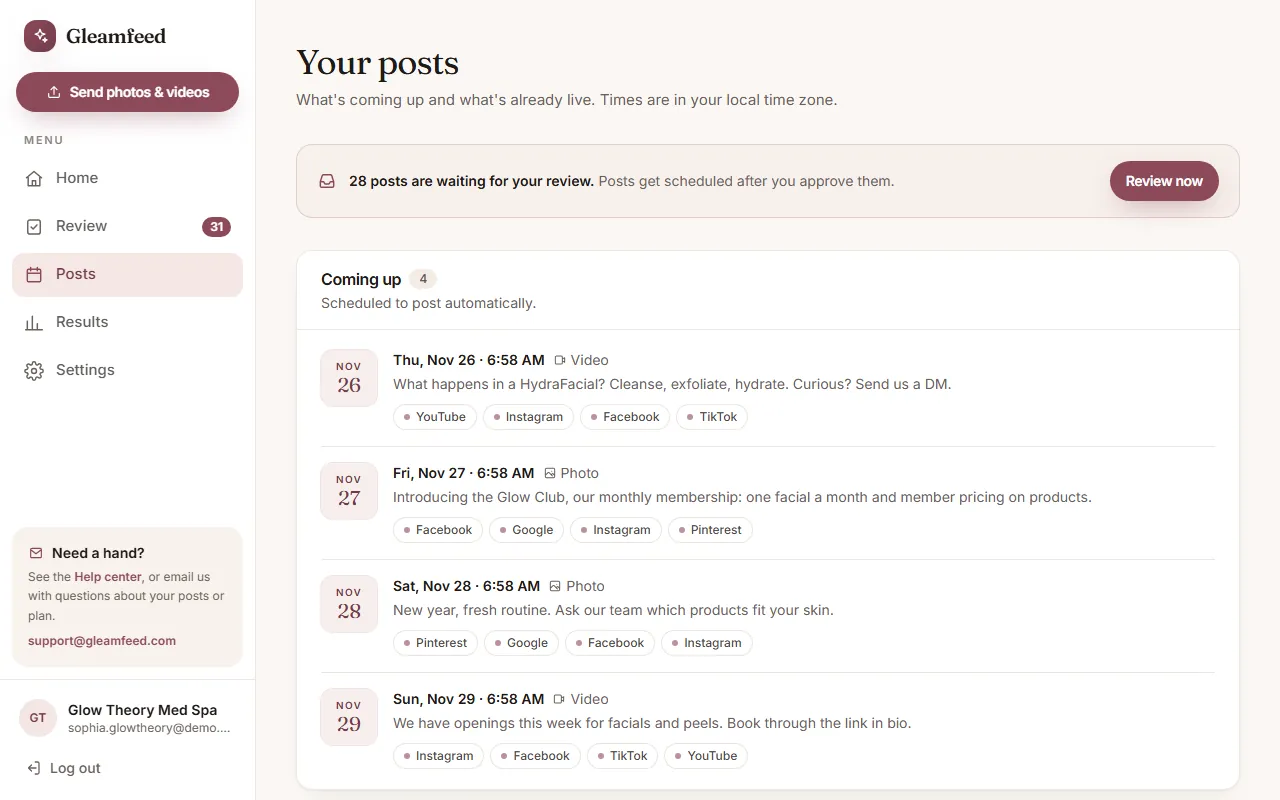 See your scheduled and published postsWhat's coming up, what's already live, and how to change a scheduled post.
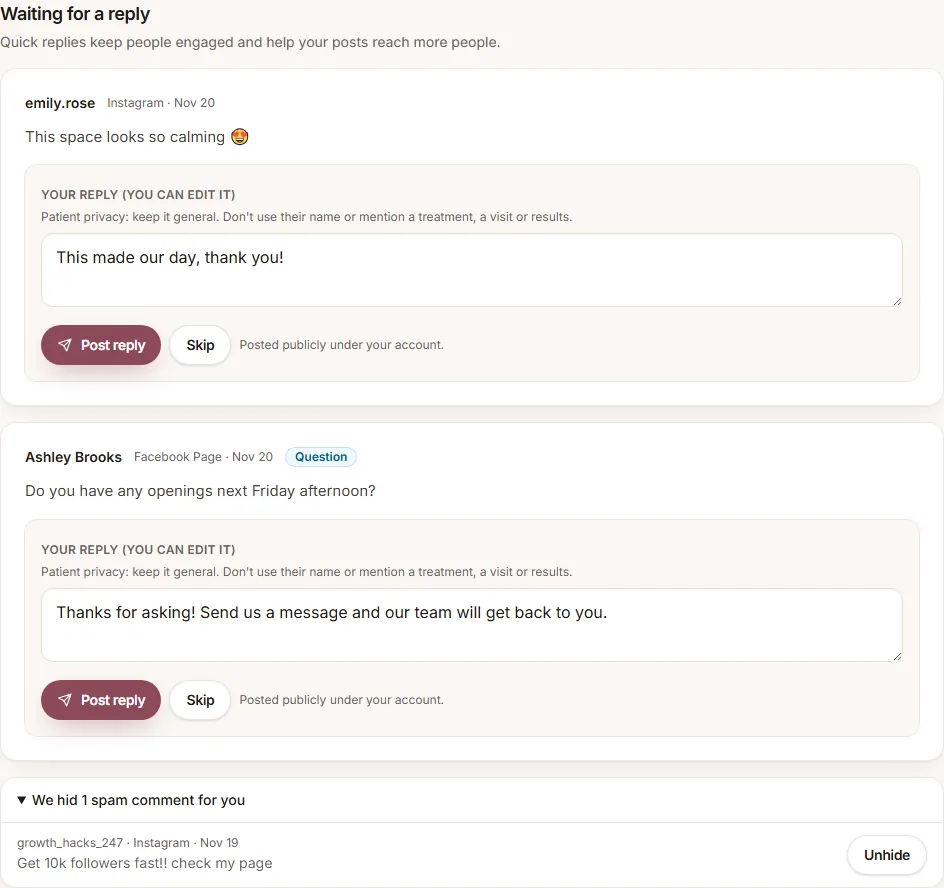 Comments and messagesApprove the replies we draft for comments on your posts, send your booking link by keyword, and answer messages.
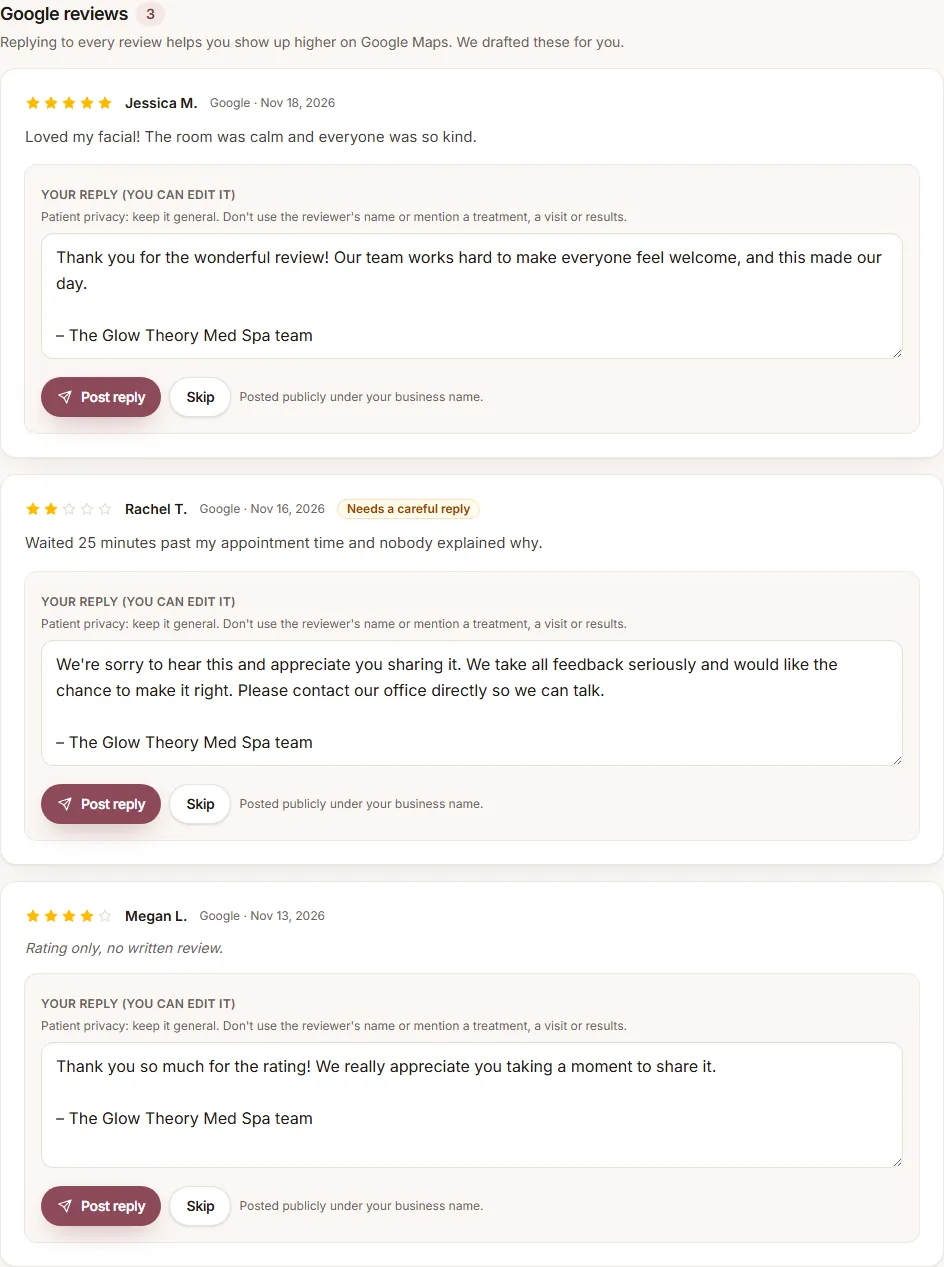 Reply to your Google reviewsApprove the replies we draft for your new reviews, and the rules that keep them safe.
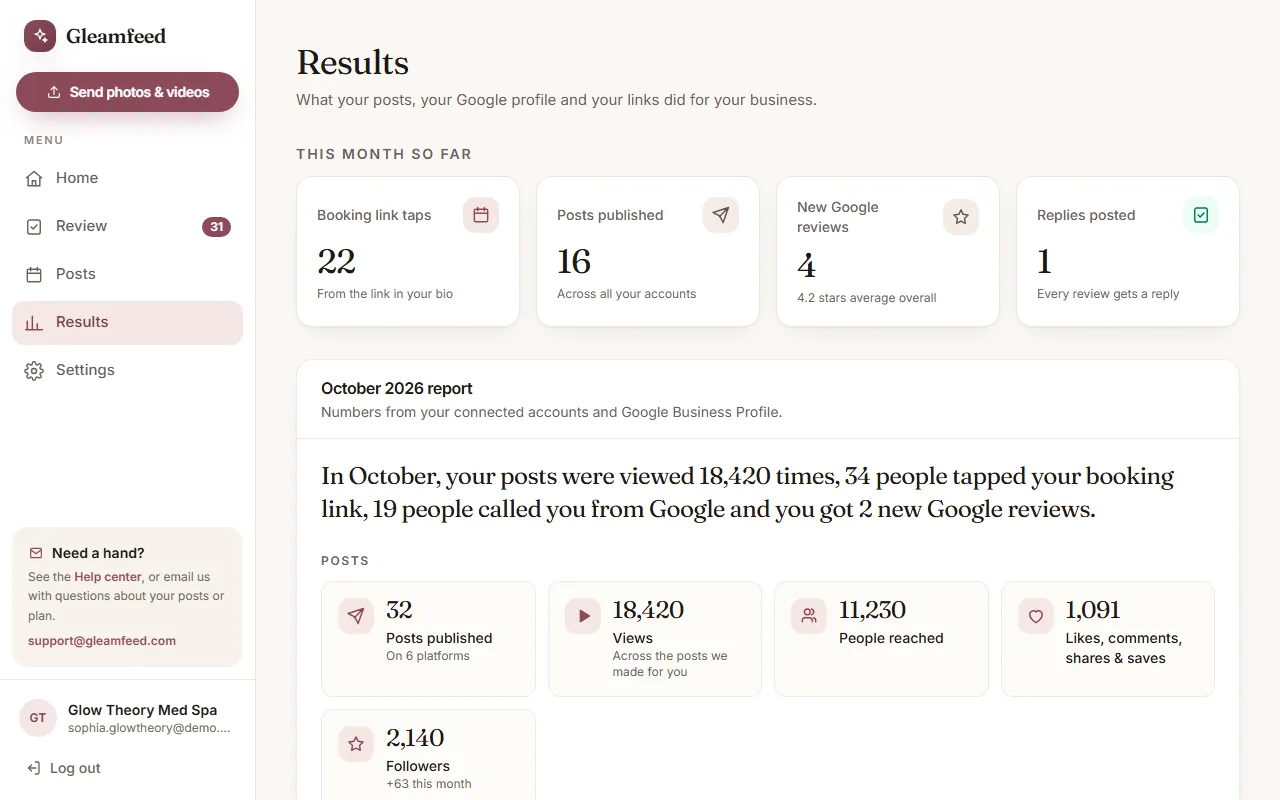 Results, monthly reports and your linksYour monthly numbers, your tracked booking link, and a QR code that asks for Google reviews.
Screenshots show an example account with sample data.
Looking for pricing or how we handle your photos? See the FAQ, our Privacy Policy and Terms of Service.
Still have a question?
Email us and a real person will help.